


Customer Service Tracking Software: A Guide to Better Support Management
Customer service is one of the most important parts of running a successful business. Customers expect quick responses, helpful solutions, and consistent communication whenever they contact a company. As customer inquiries increase, managing support requests manually can become difficult.

Emails, phone calls, live chats, social media messages, and support tickets can quickly become scattered across different channels. Without an organized process, requests may be overlooked, responses can be delayed, and employees may struggle to understand the history of a customer interaction.
This is where Customer Service Tracking Software can help. It provides businesses with a centralized way to manage customer requests, monitor support activities, and keep track of interactions from the first contact through resolution.
What Is Customer Service Tracking Software?
Customer service tracking software is a tool designed to help businesses organize and monitor customer support activities.
Depending on the platform, it may allow teams to create support tickets, assign requests to specific employees, track response times, maintain customer histories, and monitor unresolved issues.
Instead of relying on individual inboxes or spreadsheets, support teams can work from a shared system where relevant information is easier to access.
The exact features vary between software providers, so businesses should consider their specific support requirements before choosing a solution.
Why Businesses Need Customer Service Tracking
As a company grows, the number of customer interactions usually grows with it. What works for a small team handling a few inquiries each day may not work when hundreds or thousands of requests need to be managed.
Without a structured tracking system, common problems can include:
- Missed customer requests
- Duplicate responses
- Slow response times
- Poor follow-up
- Difficulty prioritizing urgent issues
- Limited visibility into employee workloads
- Incomplete customer histories
Tracking software can help bring these activities into one organized workflow.
1. Keeps Customer Requests Organized
One of the biggest advantages is having a central place for customer inquiries.
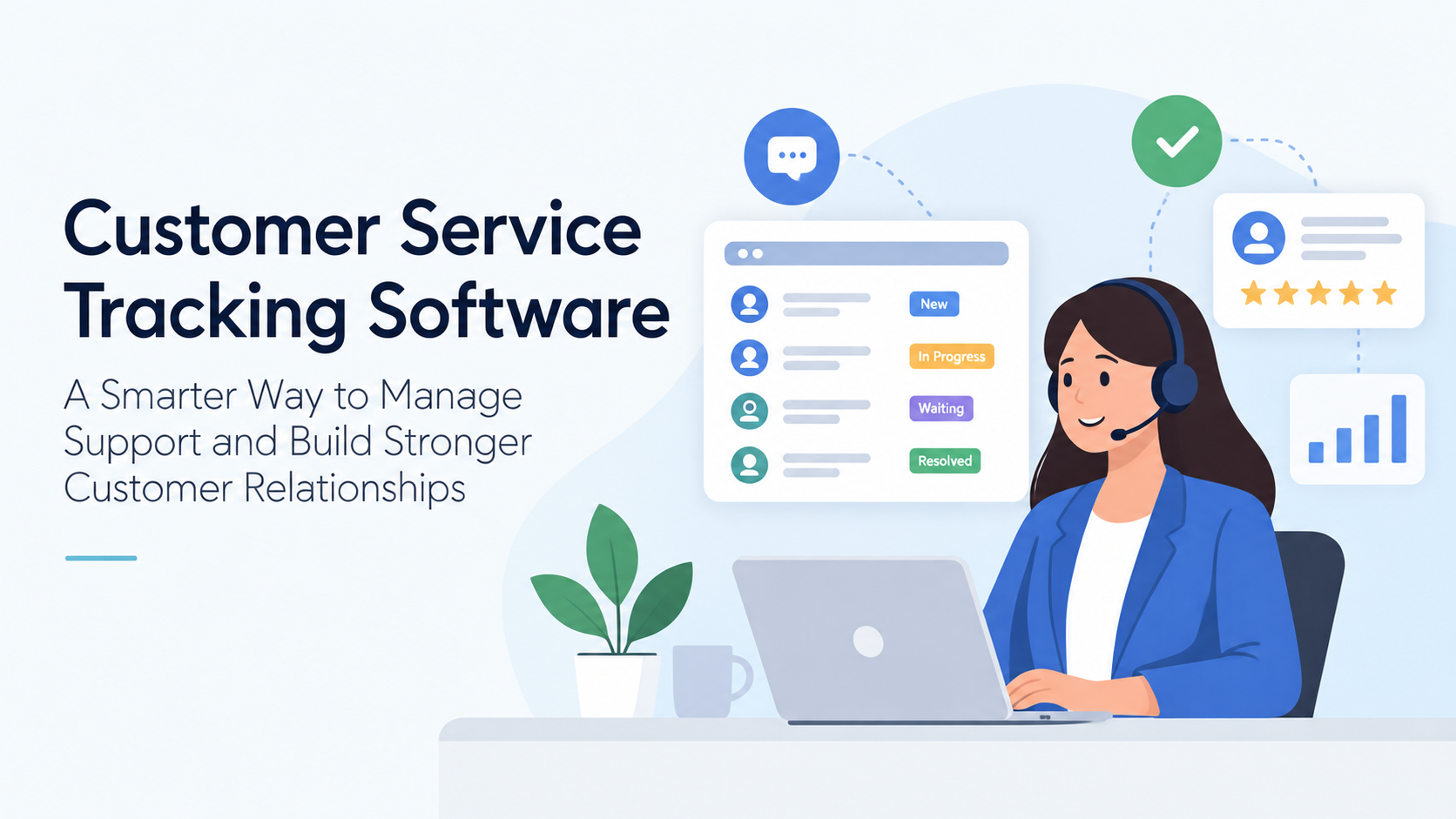
Support requests can be converted into tickets and categorized based on their type, priority, or status. Employees can see which issues are new, in progress, waiting for a response, or resolved.
This makes it easier for support teams to stay organized, particularly when several employees are handling customer requests simultaneously.
2. Improves Response Times
Customers generally do not want to wait days for an answer to a simple question.
Customer service tracking tools can help teams monitor incoming requests and identify tickets that have been waiting for a response. Some systems also provide automated notifications or reminders when an issue requires attention.
Faster response times can improve the customer experience while reducing the likelihood of customers repeatedly contacting the business about the same problem.
3. Prevents Requests From Being Forgotten
A customer inquiry sitting in an employee’s inbox can easily get buried under newer messages.
A tracking system provides greater visibility into outstanding requests. Managers can see unresolved tickets and employees can keep track of tasks that still require action.
This is particularly useful when a support issue requires several steps or involves more than one department.
4. Creates a History of Customer Interactions
Having access to previous conversations can make customer support much more efficient.
Instead of asking customers to explain the same problem repeatedly, support representatives can review previous tickets, messages, notes, and resolutions when the information is available within the system.
This provides context and can help employees deliver more personalized support.
5. Helps Prioritize Important Issues
Not every customer request has the same level of urgency.
A billing problem, service outage, or technical issue affecting multiple customers may require immediate attention, while a general product question may be less urgent.
Customer service tracking software can allow teams to assign priorities and organize tickets accordingly.
A structured priority system helps employees focus their attention where it is needed most.
Businesses researching different software options can also use resources such as the appgurufinder software search engine to discover and compare software solutions across different categories.
6. Makes Team Collaboration Easier
Customer service problems sometimes require input from multiple departments.
For example, a support representative may need information from the billing, technical, sales, or product team before responding to a customer.
A centralized tracking system makes it easier to assign or escalate requests without losing the original conversation.
This can reduce unnecessary back-and-forth communication and help teams resolve complex issues more efficiently.
7. Provides Useful Performance Data
Customer service software can provide valuable information about support operations.
Depending on the platform, managers may be able to track metrics such as:
- Number of support requests
- Average response time
- Resolution time
- Open versus closed tickets
- Customer satisfaction
- Employee workload
- Frequently reported problems
These insights can help managers identify areas that need improvement.
For example, if customers repeatedly contact support about the same issue, the company may need to improve its product documentation or address a recurring product problem.
8. Supports Automation
Many customer service platforms include automation features that can reduce repetitive administrative work.
Automated tasks may include ticket assignments, confirmation emails, reminders, status updates, or routing requests to the appropriate department.
Automation does not eliminate the need for human support. Instead, it allows employees to spend less time on repetitive processes and more time solving problems that require personal attention.
9. Helps Businesses Scale Their Support Operations
A growing customer base can put pressure on support teams.
Adding more employees without improving the underlying process may not solve the problem. Teams also need a structured way to manage increasing volumes of requests.
Customer service tracking software can provide a framework that grows alongside the business. New users, departments, categories, and workflows can often be added as requirements change.
10. Choosing the Right Software
There are many customer service platforms available, ranging from simple ticketing tools to comprehensive customer support systems.
When comparing options, businesses should consider:
- Number of users
- Support channels
- Ticket management
- Automation capabilities
- Reporting
- Integrations
- Customer history
- Scalability
- Security
- Pricing
- Ease of use